Paint-based progression
The player must guide the white cube to interact with a paint palette in order to activate progression and unlock the next part of the level.
Game · Earlier work
A simple but playful 2D puzzle experience built around paint-based progression and maze navigation.
A 2D puzzle-maze prototype built in Unity, centered on color interaction, door unlocking, and light gameplay variation.
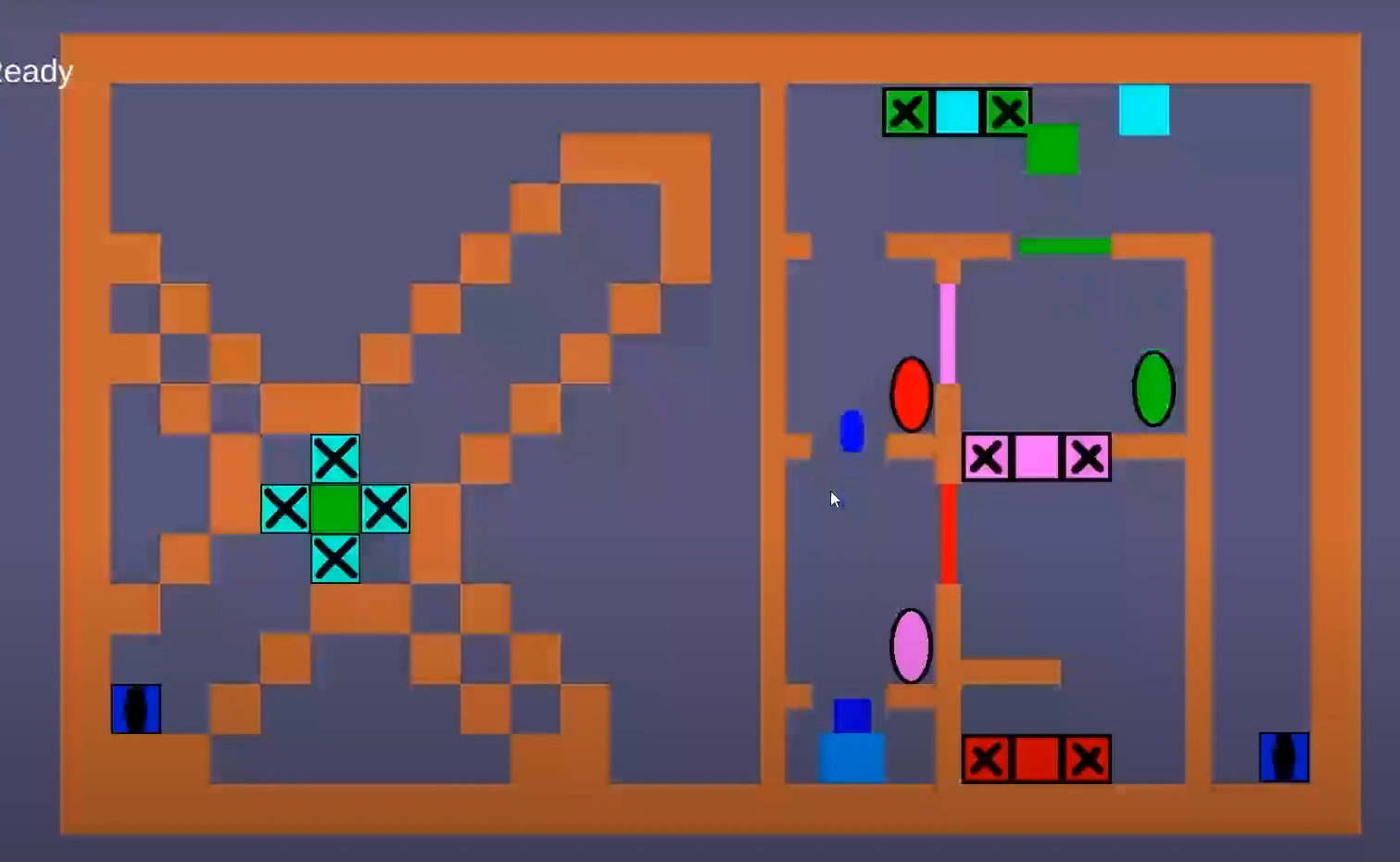
Paint Cube is a 2D puzzle-maze game prototype inspired by simple and recognizable gameplay concepts. The core mechanic revolves around guiding a white cube to interact with a paint palette, which then unlocks a color-detecting door and allows the player to continue toward the exit.
Designed for players who enjoy casual puzzle gameplay with clear rules, readable interactions, and light mechanical variation.
The project focused on exploring how a single visual mechanic — color activation — could be turned into an intuitive gameplay loop while still keeping the experience engaging through small level-based variations.
The player must guide the white cube to interact with a paint palette in order to activate progression and unlock the next part of the level.
Doors respond to the cube’s updated state, creating a simple but effective puzzle condition tied directly to the core mechanic.
Levels are structured around moving through confined spaces, finding the right interaction point, and reaching the exit within the gameplay constraints.
Additional mechanics such as coin collection, darkness-based visibility, and dice rolling were introduced to create more variety beyond the main loop.
The project began with a simple puzzle idea and was expanded by layering small gameplay systems around a central color mechanic. The goal was to keep the project easy to understand while still giving each level a sense of variation.
The core system connects player movement, paint interaction, and door state logic into a straightforward progression loop. Optional mechanics were added as lightweight modifiers to make the experience feel more playful and less repetitive.
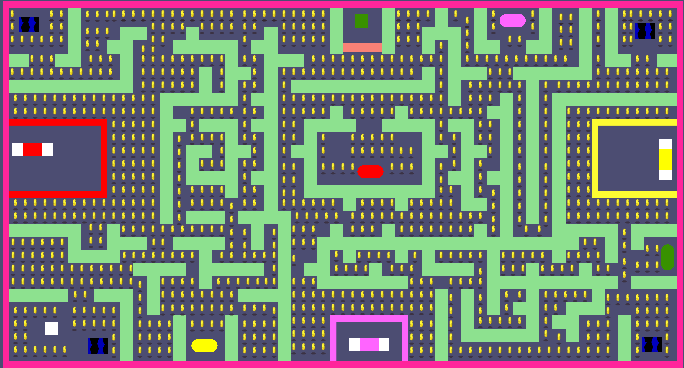
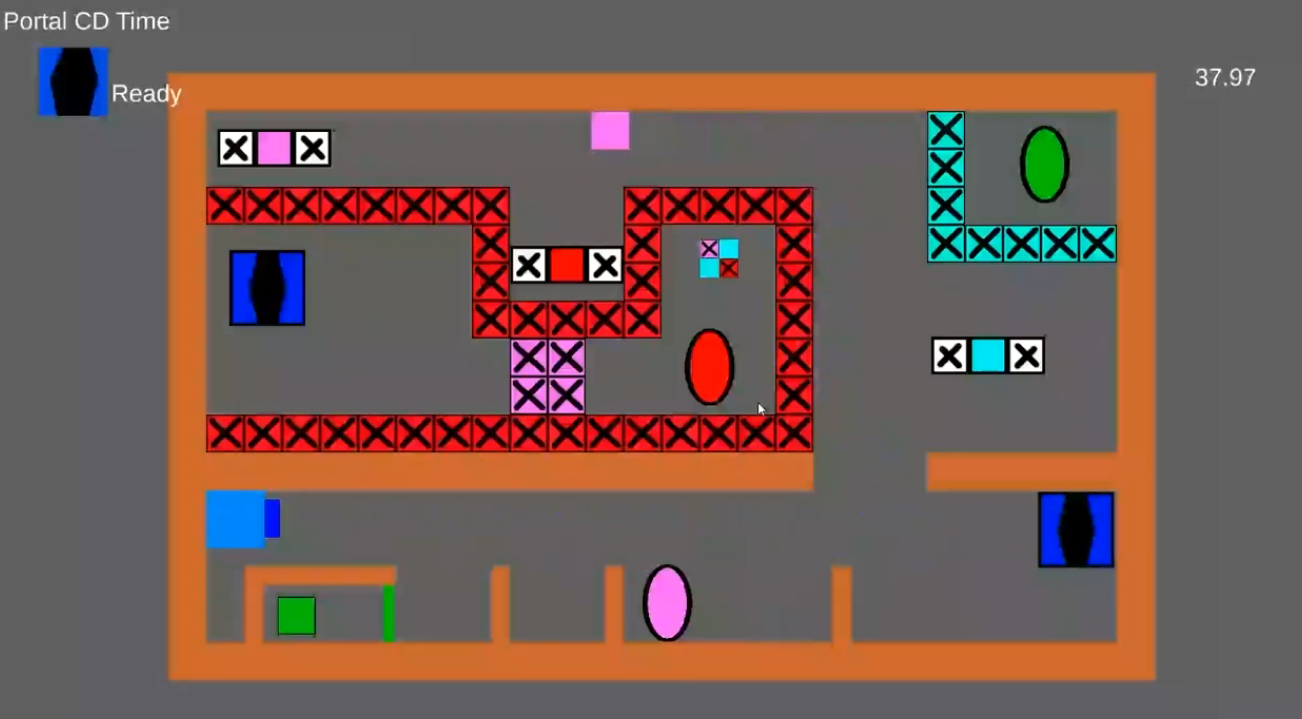
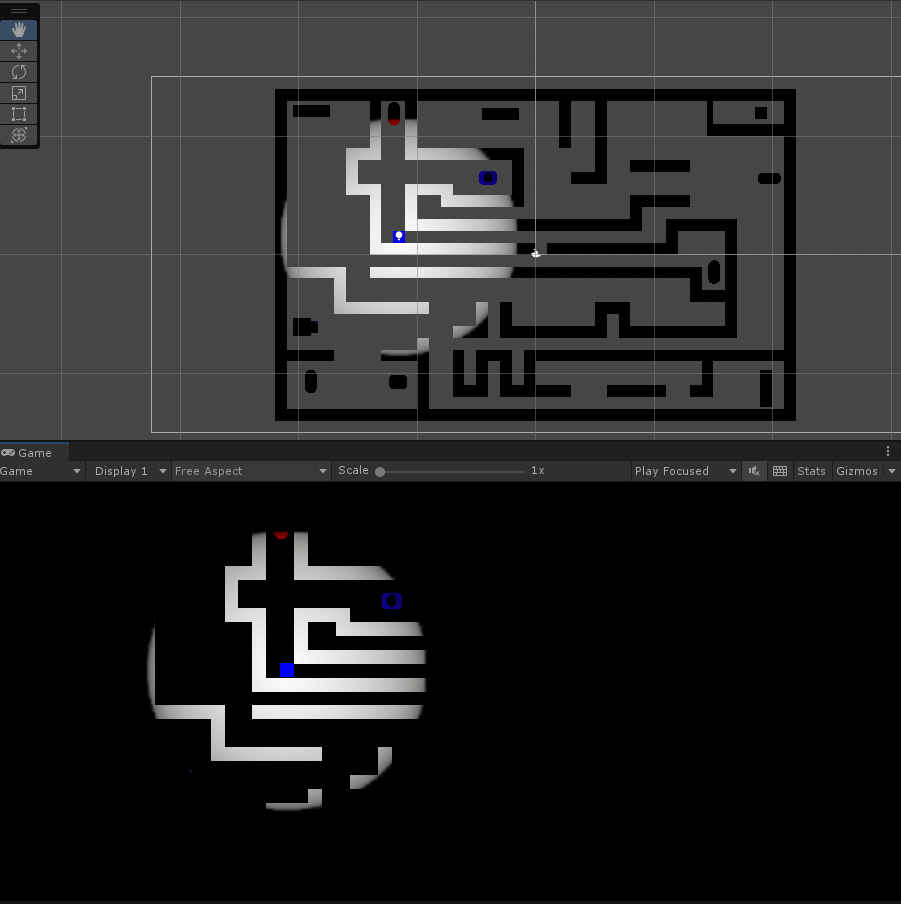
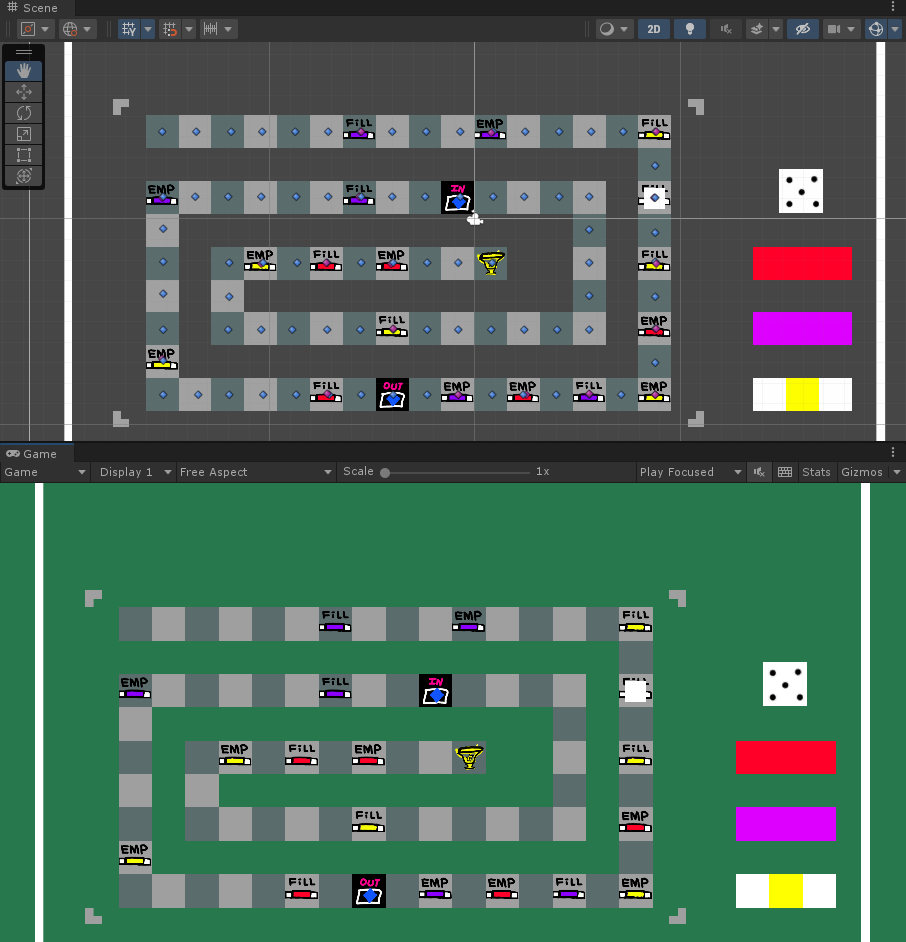
The project resulted in a simple but complete Unity puzzle prototype that demonstrates gameplay scripting, mechanic implementation, and small-scale system design.
Paint Cube helped me practice turning a straightforward concept into an interactive gameplay loop. It strengthened my understanding of puzzle logic, mechanic readability, and how to support a core idea with smaller secondary systems.
Future improvements would focus on deeper level design, stronger visual polish, and more refined progression between mechanics.