Personal Web Project
Portfolio
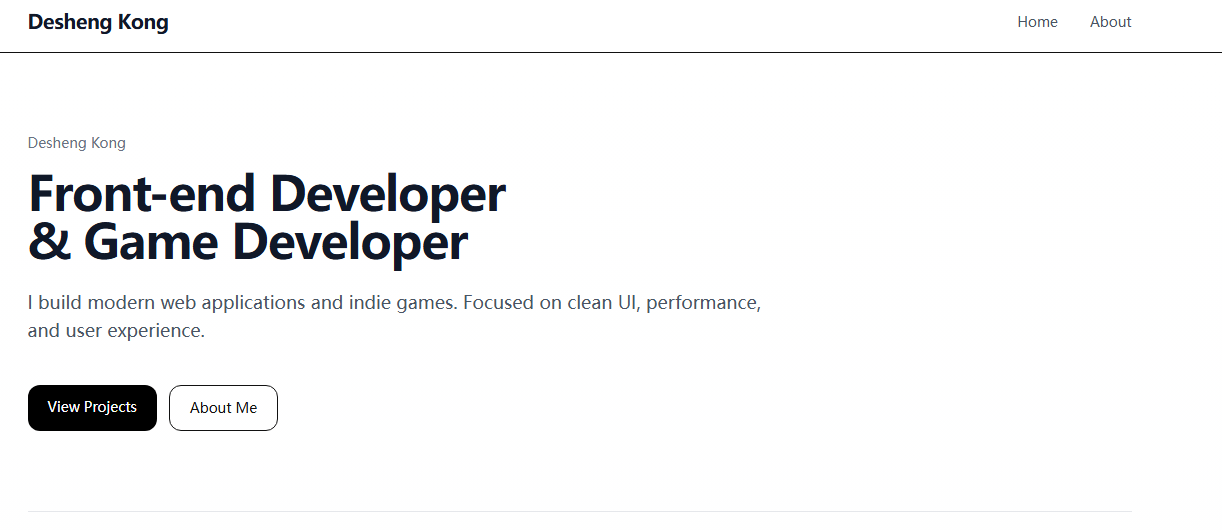
This is my personal portfolio website built to present my work, demonstrate my frontend development skills, and create a clean, structured, and professional online presence.
Overview
Why I built this project
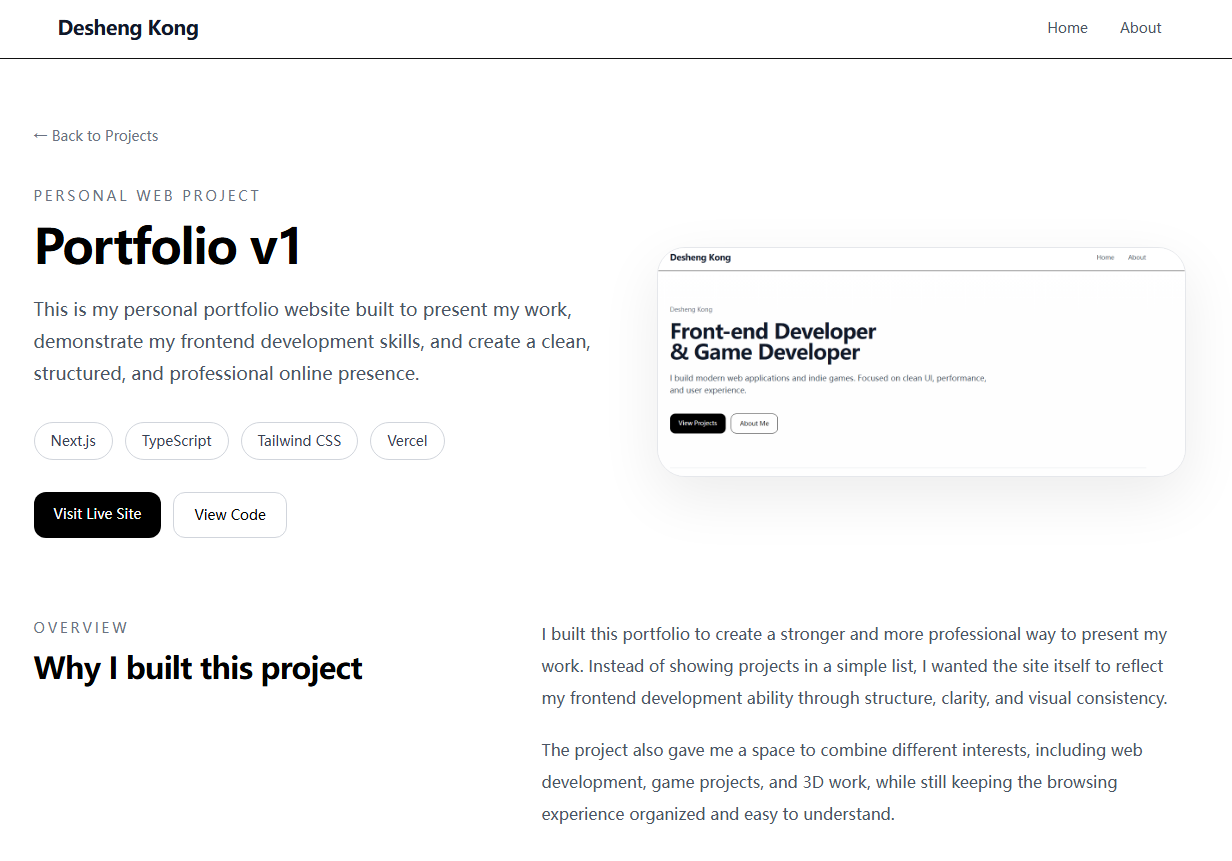
I built this portfolio to create a stronger and more professional way to present my work. Instead of showing projects in a simple list, I wanted the site itself to reflect my frontend development ability through structure, clarity, and visual consistency.
The project also gave me a space to combine different interests, including web development, game projects, and 3D work, while still keeping the browsing experience organized and easy to understand.
Design Thinking
UX decisions
I focused on creating a simple visual hierarchy through spacing, typography, and consistent card design so users can quickly scan projects and understand the overall structure of the site.
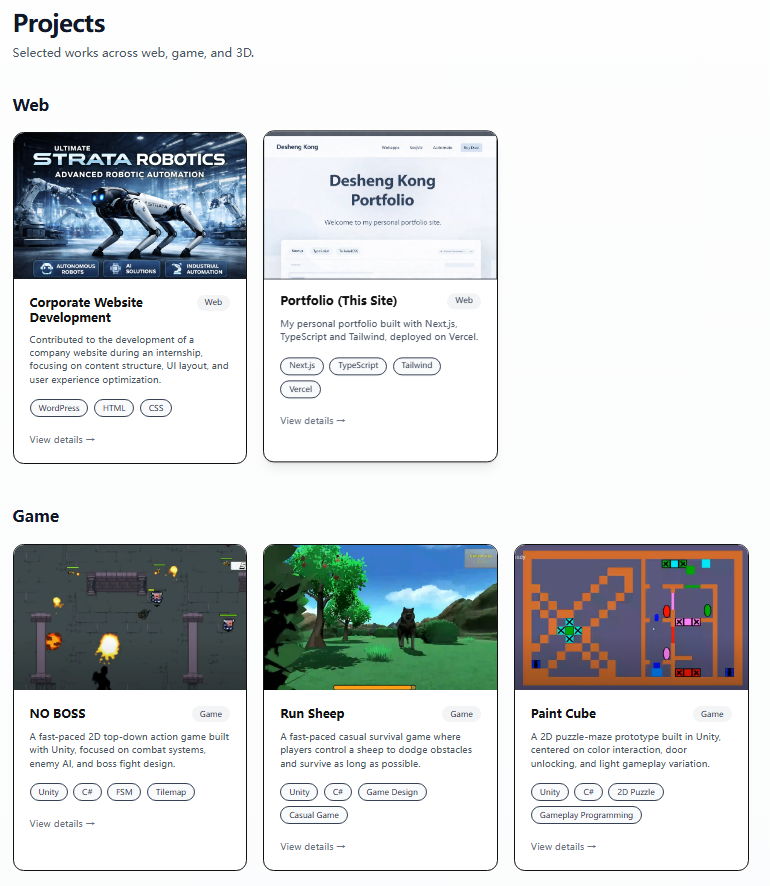
Grouping projects into Web, Game, and 3D categories helps make the content easier to browse and gives each type of work a clearer identity.
Development
How I built it
The site is built with Next.js, TypeScript, and Tailwind CSS using a component-based structure that is easier to maintain and extend over time.
I also used a mixed routing approach: general projects are handled through dynamic routing, while selected web projects use dedicated pages for more tailored presentation.
Key Features
What this project demonstrates
Clear Project Structure
Projects are grouped by category to improve readability and help users quickly navigate between web, game, and 3D work.
Reusable UI Components
The site is built with reusable sections and consistent card patterns to keep the interface maintainable and scalable.
Responsive Layout
Layouts, spacing, and typography were adjusted to remain clean and readable across different screen sizes.
Mixed Routing Strategy
General projects use dynamic routing, while selected web projects have dedicated pages for more detailed storytelling.
Key Screens
Selected views from the project
These screenshots show the landing experience, the categorized project overview, and the structured detail-page presentation used to communicate selected work more clearly.
Result
Built a structured and scalable personal project that demonstrates both frontend development and product thinking.
This project strengthened my ability to design and develop complete web pages with clear content structure, consistent UI patterns, and strong visual hierarchy. It also reflects how I approach problem solving, iteration, and presenting ideas in a user-focused way.
Through this project, I improved my workflow in planning layouts, refining components, and ensuring scalability for future updates, while maintaining a clean and professional user experience.